
Unified Conversation Workspace
Bring messaging, social DMs, webchat, email, carrier messaging, push, and in-product interactions into one accountable customer timeline.
One connected conversation platform
Connect messages, Chatoner Meet, AI assistance, human ownership, routing, follow-up, and Sales Conversation Insights without losing customer context between systems.
Complete platform
Each capability is useful alone. The real advantage appears when customer context, AI assistance, people, meetings, workflows, consent, and evidence stay connected.
Bring messaging, social DMs, webchat, email, carrier messaging, push, and in-product interactions into one accountable customer timeline.
Answer approved questions, identify intent, qualify opportunities, collect context, summarize threads, and escalate with visible confidence and rules.
Assign conversations by intent, language, market, customer tier, skill, priority, schedule, or queue while keeping responsibility visible.
Coordinate approved outbound, notifications, reminders, follow-up, suppression, approved messages, and continuity across eligible surfaces.
Move from message to the right meeting, prepare the host, support guest time zones and languages, review notes and actions, and continue the same customer journey.
Open MeetingsPreserve source, campaign, consent, profile, conversation history, actions, owners, opportunities, and outcomes in one view.
Find human-reviewed patterns in intent, qualification, objections, drop-offs, handoffs, service friction, and connected outcomes.
Open Sales InsightsPreserve channel permissions, opt-in, approved messages, AI involvement, approvals, user actions, and communication history.
Watch connector health, delivery failures, SLA exceptions, AI confidence, unresolved threads, and recovery actions.
Connected journey
Move from a customer signal to qualification, the right meeting, reviewed notes and actions, original-channel follow-up, and human-reviewed insight without creating a disconnected record at each step.
Unified customer timeline
A customer should not have to repeat the same story because they moved from webchat to WhatsApp, email, SMS, or a human representative.
Routing and ownership
Routing can consider intent, customer tier, language, location, skill, priority, working hours, capacity, consent, and risk.
AI + human
Operational administration
These controls help teams manage AI Conversations safely and consistently as the operation grows.
Control workspace, channel, queue, campaign, customer, export, and administrative access.
Map opt-in, opt-out, approved messages, quiet hours, approved use, retention, and provider rules.
Track connector health, delivery failures, response SLA, unresolved threads, and AI confidence.
Measure response, resolution, routing, quality, contribution, conversion, and operating efficiency.
Operating controls

Define identity, permission, approved messages, timing, delivery, opt-out, retention, and approved use for each surface.
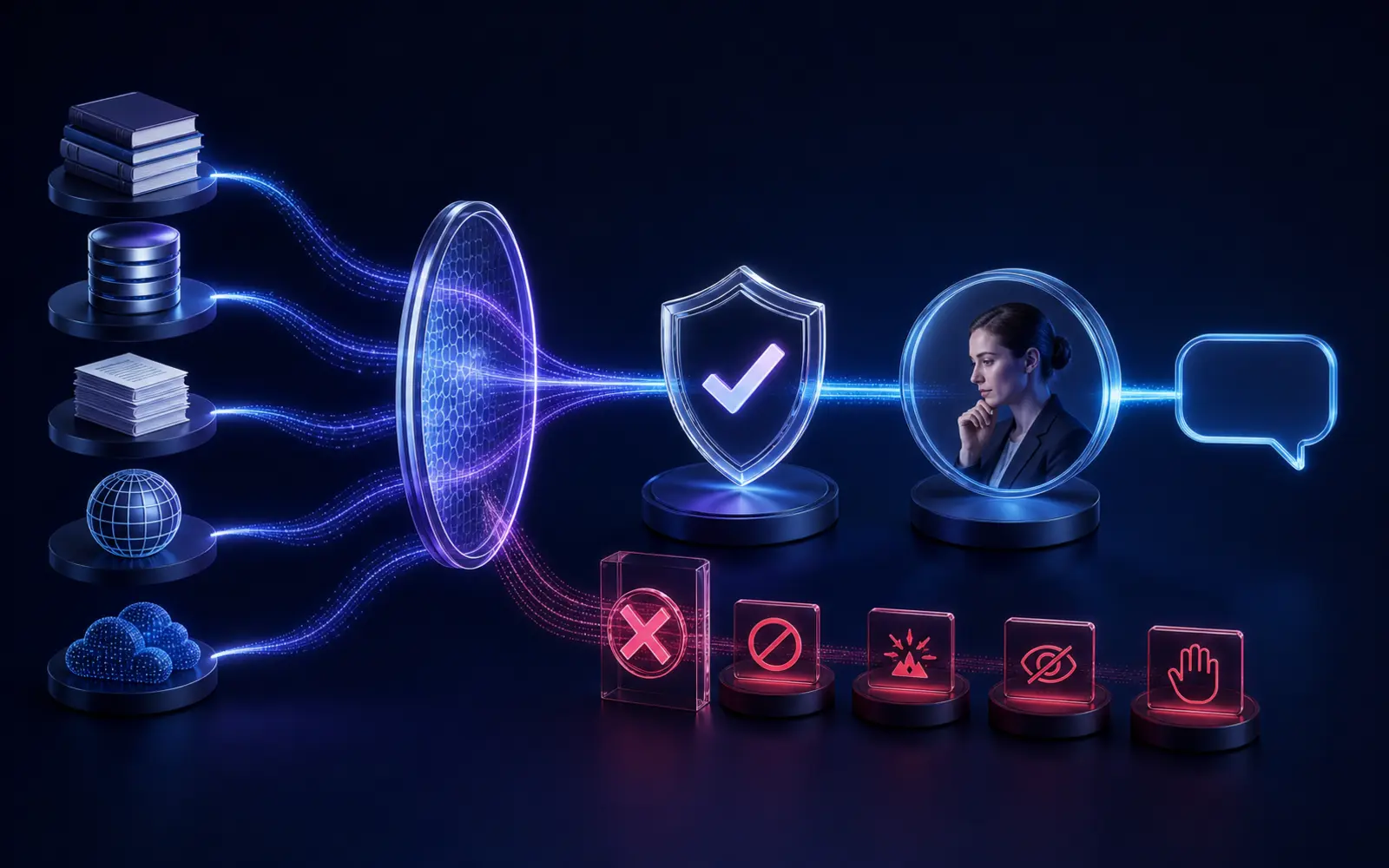
Show what AI may retrieve, draft, ask, recommend, or trigger—and where a named person must take over.
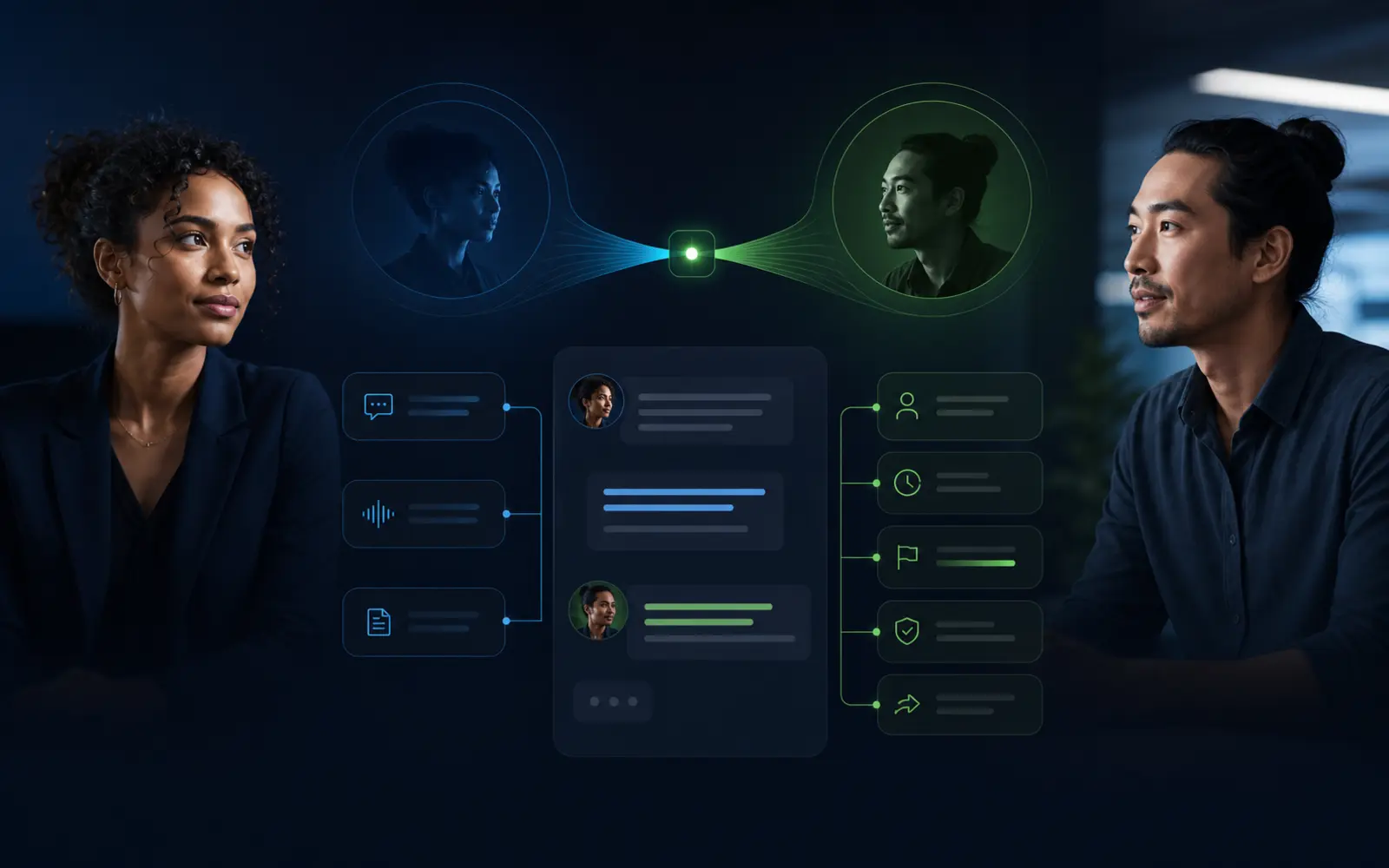
Carry the customer, source, evidence, previous actions, reason, priority, and expected next step into the human queue.
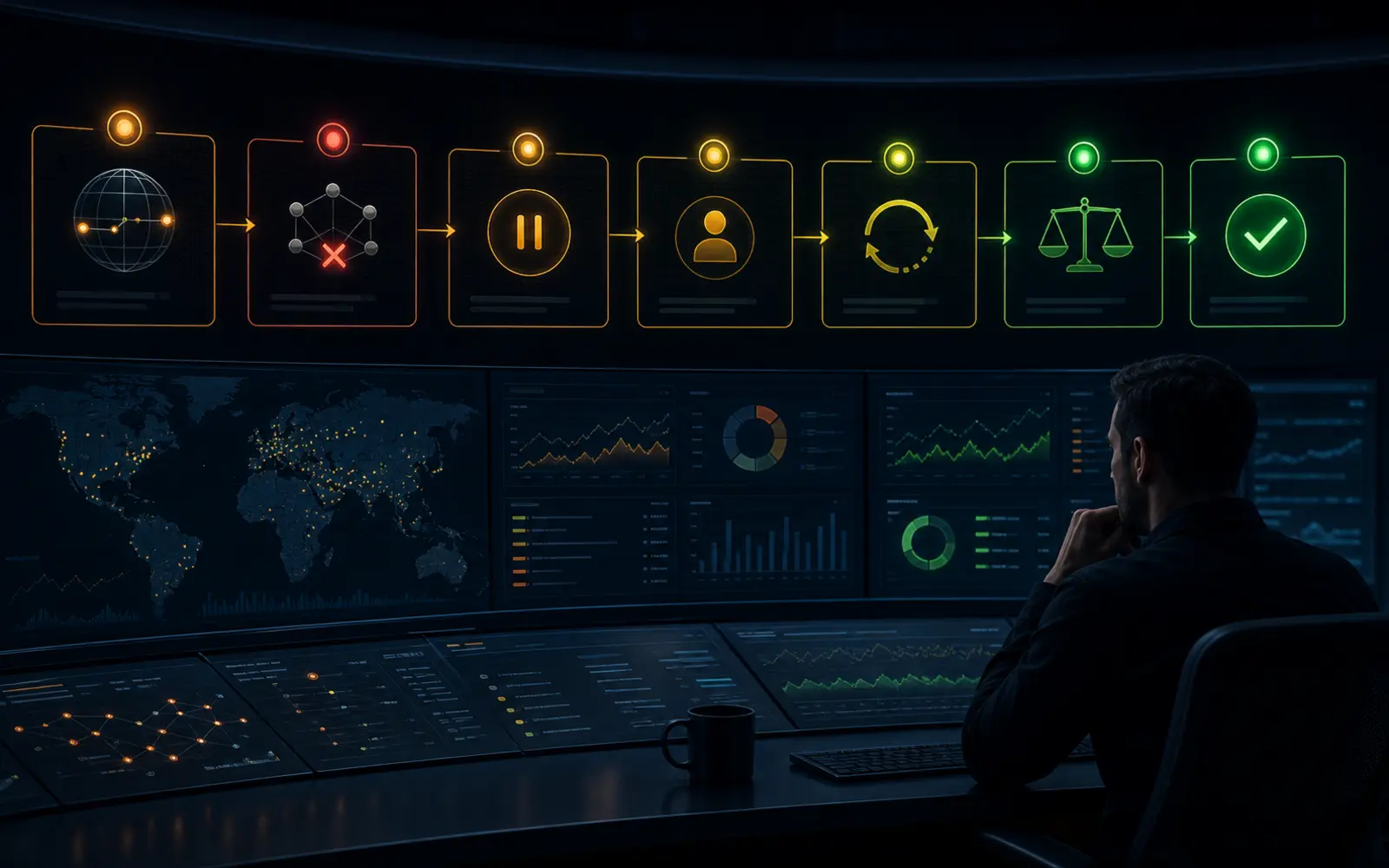
Detect, pause, retry, reconcile, communicate, resolve, review, and improve with inspectable incident evidence.
Add channels later
Authorized administrators add connections in Workspace Settings → Channels & Surfaces. Connections belong to the organization workspace or tenant—not to an individual user.
Credentials stay server-side. Roles limit access. Provider requirements remain visible. Every change has an owner, version, approval, test result, and approval status.
Review Channel RequirementsLaunch architecture
Existing customers can open messages, Meetings, Chatoner Meet, Sales Conversation Insights, the AI Agent, campaigns, routing, analytics, governance, and channel administration.